ZTR WhatsApp Docs Dispatcher
Recently, my gym asked me to share my Aadhaar card to prove that I live in my society. This is how I used my Telegram ztr bot to WhatsApp the document to them.
Eval mode in Telegram
I opened the Sher namespace. It already had the expression I needed, one I had created earlier to dispatch family documents to interested parties over WhatsApp.
I jumped to the exact expression by hitting the bex key and supplying a bookmarked phrase. Bex stands for bookmarked expression. In this case, my bex is called dddigi. When I jump to it, Zehen places my cursor at line 47, as you can see in the screenshot below.
I think of this ceremony as bexing dddigi. This is the core of how I fly from one expression to another in Telegram.
At dddigi, I have a carefully designed set of parameters and a tested script that can send documents I have organized for my whole family. It can forward more than one document in one go. For example, it can send Aadhaar and PAN cards for both me and my wife.
When I hit eval, Zehen uses the parameters I have set and evaluates the expression. The side effect is exactly what I wanted. The gym receives my documents on WhatsApp.
100 percent repeatable. 0 input tokens. 0 output tokens. 0 hallucinations. Full control over every aspect of the flow. I really don't get how people are okay with any other way.
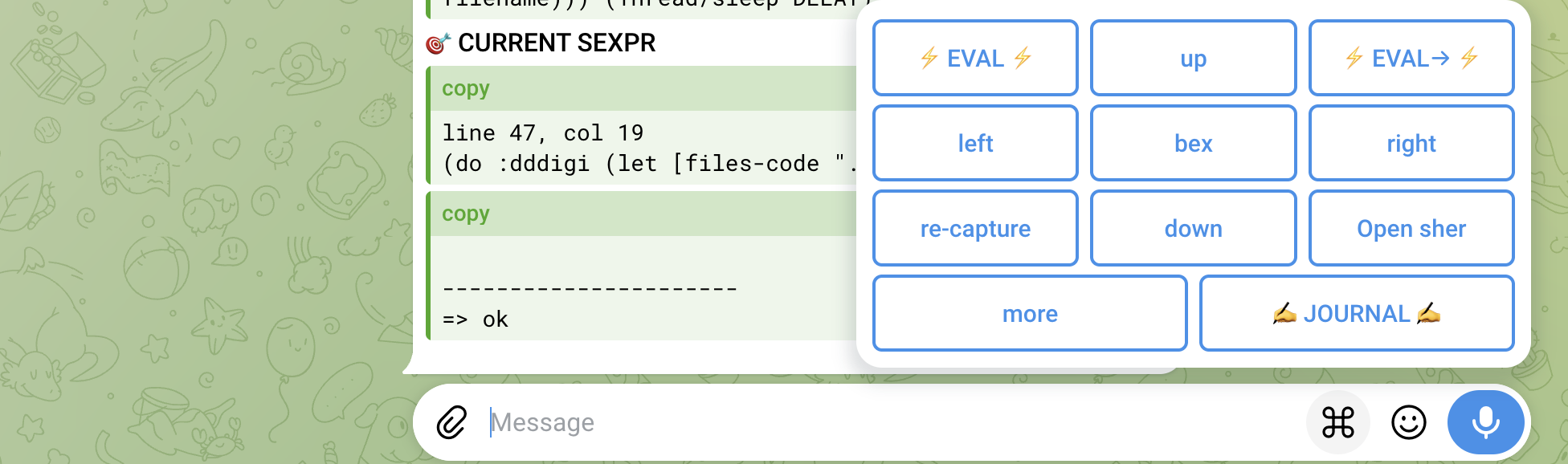
Universal ZTR Interface
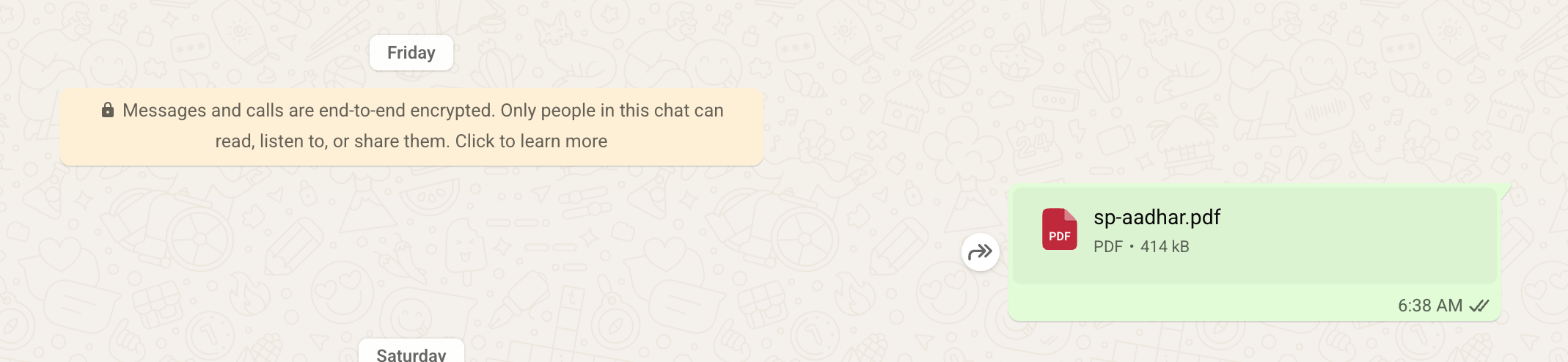
The desired effect. Ironically, I used Telegram to send a WhatsApp message.
Design mode on iMac
A few days earlier, I was working on personal WhatsApp automation from my desktop, connected to my cloud Ubuntu machine. I vibe coded a CLI utility that manages a WhatsApp Web session authenticated by QR code. I don't hack Node at all, but Pi gave me the code in Node. I then tested the artifact extensively using Clojure, the language I am most comfortable with.
The CLI is general enough to power many other WhatsApp apps.
For example, I can bex mastvideo to jump to my personal WhatsApp YouTube favorites randomizer. It sends me one video, chosen at random from several YouTube videos I had bookmarked. All of this is connected to my journal.
Coming back to the gym app, the CLI was created on my desktop with the Pi coding agent. After testing it successfully, I bookmarked it for later use.
The hardest part of bookmarking is coming up with a good name that sticks. Personal associations, like Hindi names (in my case), are very useful here. Once you think of a good name, you can bex to it from anywhere in Telegram.